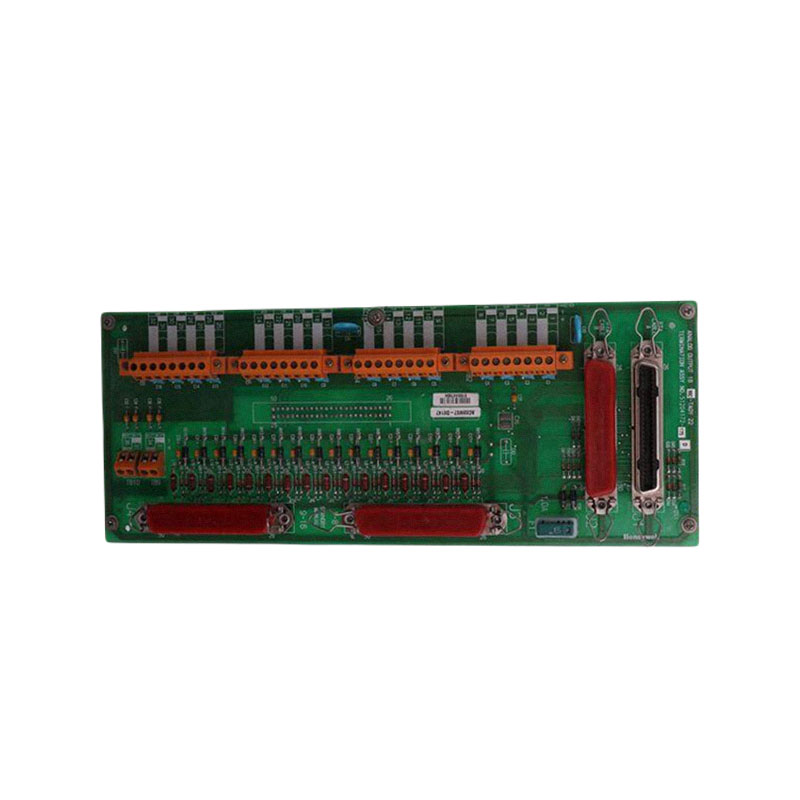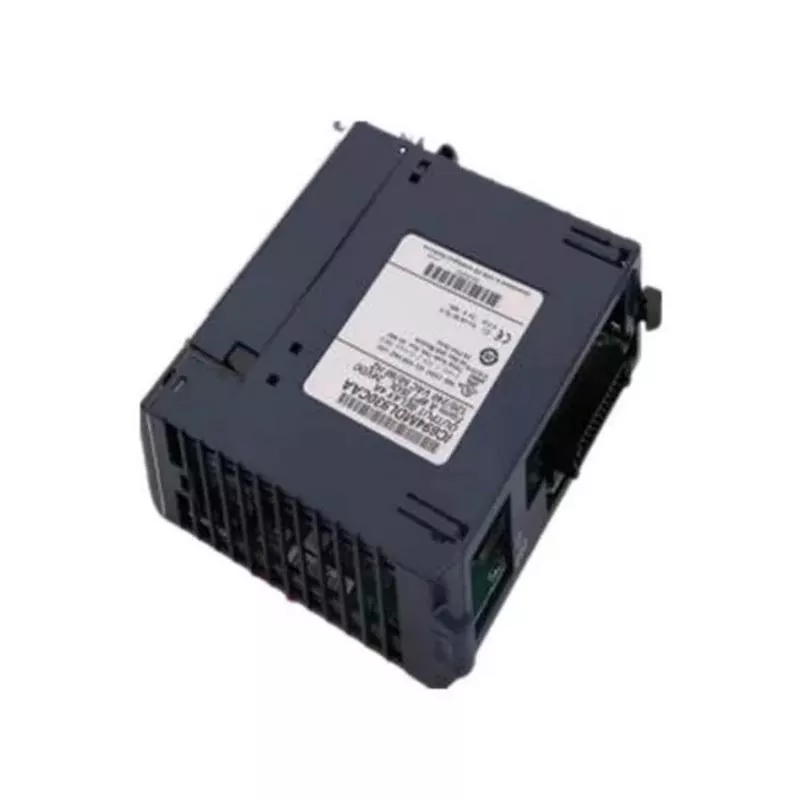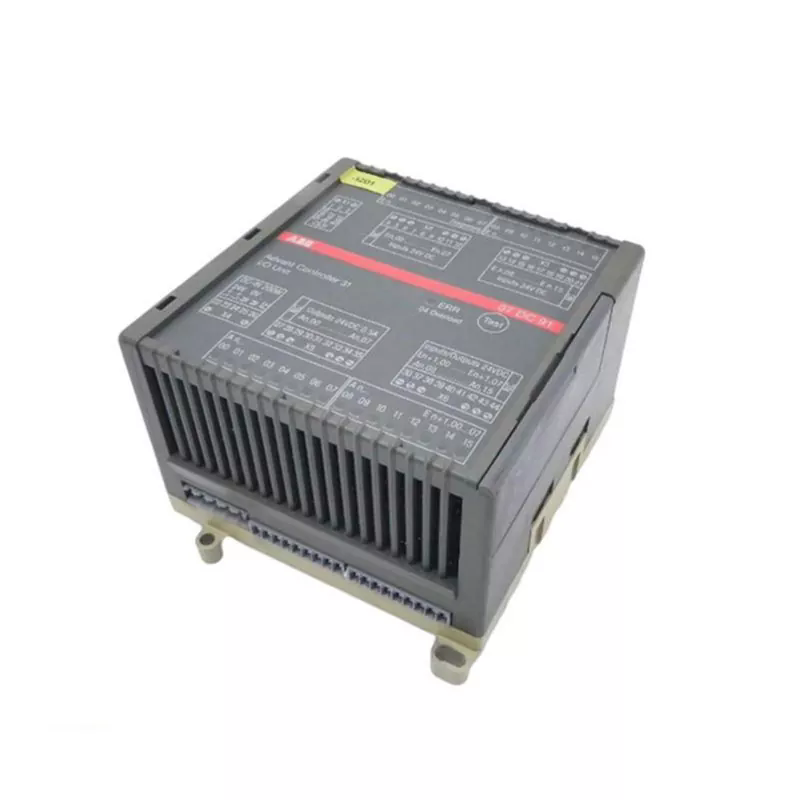
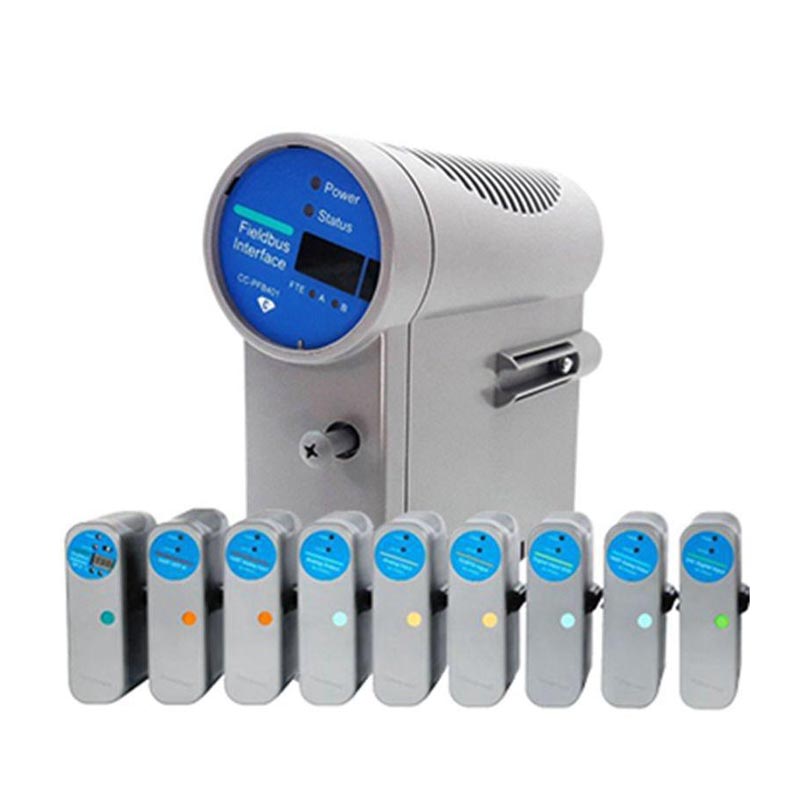
The Honeywell CC-PAIN01 is a 16-channel analog input module for Honeywell Series C I/O systems. It accepts multiple signal types including 4-20 mA, 0-10 V, mV, thermocouple, and RTD inputs, depending on channel configuration. The module converts field signals for use by the control system and is commonly installed in Experion PKS architectures.
Yueyang Tongtu supplies this module as an industrial automation spare part. The company maintains inventory of Series C I/O modules and supports sourcing for discontinued part numbers. Pre-shipment inspection and compatibility confirmation are available for industrial buyers.
|
Item |
Details |
|
Manufacturer |
Honeywell |
|
Part Number |
CC-PAIN01 |
|
Module Type |
Analog Input Module |
|
Series |
Series C I/O |
|
Condition |
New original (default), unused or refurbished if stated |
|
Compatibility |
Honeywell Experion PKS with Series C I/O chassis |
|
Identification Method |
Nameplate / part number / physical inspection |
|
Parameter |
Specification |
|
Model |
Honeywell CC-PAIN01 |
|
Number of Channels |
16 |
|
Input Signal Types |
4-20 mA, 0-10 V, mV, thermocouple, RTD (depending on configuration) |
|
A/D Conversion |
High-resolution |
|
Isolation |
Channel-to-channel and channel-to-ground |
|
Signal Update |
High-speed update |
The CC-PAIN01 channel signal type is set through the Experion PKS engineering software. Each channel can be configured independently, but the exact procedure depends on the system version and the I/O configuration tool.
1. Open the I/O module configuration in the engineering station.
2. Select the CC-PAIN01 module from the I/O assignment list.
3. For each channel, select the signal type from the available options: 4-20 mA, 0-10 V, mV, thermocouple, or RTD.
4. If thermocouple is selected, specify the thermocouple type and cold junction compensation setting.
5. If RTD is selected, specify the RTD type and wiring configuration (2-wire, 3-wire, or 4-wire).
6. Define the input range, engineering units, and alarm limits for the channel.
7. Download the configuration to the controller and verify the channel reading against a known signal source.
|
Signal Type |
Configuration Considerations |
|
4-20 mA |
Standard current loop. Verify loop power supply and burden resistor settings. |
|
0-10 V |
Voltage input. Check source impedance and cable length for signal loss. |
|
mV |
Low-level voltage, typically for load cells or special sensors. Use shielded cable. |
|
Thermocouple |
Select correct type. Cold junction compensation must be enabled. |
|
RTD |
Select correct resistance range and wiring configuration. |
The above steps are generic. For the exact menu path and parameter names, refer to the Honeywell Series C I/O configuration manual for the installed system version.
The CC-PAIN01 is often purchased for the following situations:
● Replacement of a failed analog input module in an existing Series C I/O rack
● Spare inventory for continuous process plants that require minimal downtime
● Planned maintenance of Experion PKS I/O hardware
● Expansion of analog input capacity in compatible chassis
If the module is intended for a new installation, the system integrator should confirm chassis slot availability, power budget, and termination assembly requirements.
The module is used in process control systems that require multiple analog inputs. Typical industries include:
● Chemical and petrochemical plants
● Power generation facilities
● Pharmaceutical manufacturing
● Other continuous or batch processes using Honeywell Experion PKS
The specific signal mix depends on the connected field instruments and the channel configuration defined in the engineering software.
|
Feature |
CC-PAIN01 |
CC-PAIM01 |
|
Module Type |
Analog Input Module |
Analog Input Module (with intrinsic safety option) |
|
Number of Channels |
16 |
16 |
|
Input Signal Types |
4-20 mA, 0-10 V, mV, TC, RTD |
4-20 mA, TC, RTD (depending on configuration) |
|
Intrinsic Safety |
Not standard |
May support intrinsically safe field circuits |
|
Typical Use |
General process analog inputs |
Hazardous area analog inputs |
The CC-PAIM01 is often used when the field devices are located in hazardous areas and require intrinsic safety barriers. The Honeywell CC-PAIN01 is used for general-purpose analog inputs. They are not directly interchangeable without checking the system safety requirements and termination assembly wiring.
|
Feature |
CC-PAIN01 (Series C) |
Older Series A Analog Input Modules |
|
I/O Family |
Series C I/O |
Series A I/O |
|
Controller Compatibility |
C300, other Series C controllers |
C200, older controllers |
|
Module Density |
16 channels |
Typically 8 or 16 channels depending on model |
|
Hot Swap |
Supported in compatible configurations |
Often not supported or limited |
|
Configuration Method |
Software-based, per channel |
Often hardware jumpers or limited software settings |
Q1: What systems is the CC-PAIN01 designed for?
A: The CC-PAIN01 is designed for Honeywell Series C I/O systems, typically used with the C300 controller in Experion PKS architectures.
Q2: What signal types can be connected to the CC-PAIN01?
A: The module accepts 4-20 mA, 0-10 V, mV, thermocouple, and RTD signals. The exact signal type for each channel is defined in the engineering configuration software.
Q3: Does the CC-PAIN01 require a specific Series C I/O chassis?
A: Yes, it requires a compatible Series C I/O chassis with an available slot and proper backplane connection. The chassis model should be confirmed before ordering.
Q4: How should I verify a CC-PAIN01 before installation?
A: Check the nameplate against the part number, inspect the connector for damage, and confirm the module revision matches the system documentation. If any doubt exists, provide a photo to the supplier for verification.
Q5: Is the CC-PAIN01 a direct replacement for older Honeywell analog input modules?
A: It depends on the system version and I/O family. The Honeywell CC-PAIN01 is part of Series C I/O and may not be interchangeable with older Series A or other families. A compatibility check is required.
Q6: What should I check if a channel shows a fault after installation?
A: First verify the field wiring and signal source. Then confirm the channel configuration in the engineering tool. If the issue persists, provide a photo of the module status and any fault code for further support.
Q7: Can the CC-PAIN01 be configured for both thermocouple and 4-20 mA inputs at the same time?
A: Yes, each channel can be configured independently in the engineering software. Mixed signal types are supported as long as the termination assembly and wiring are compatible.
Q8: Does the CC-PAIN01 support hot swap?
A: Hot swap is supported in compatible Series C configurations. Always verify against the system documentation before removing or inserting the module while powered.
Address
No. 324, Hubin Street, Nanhu New District, Yueyang City, Hunan Province, China
Tel
Need an urgent price quote or stock confirmation for hard-to-find PLC or DCS components? Fill out our quick inquiry form below with your target part numbers, required quantities, and project timeline. Our sales engineering team monitors all inquiries 24/7 and will deliver a detailed commercial quote within 30 minutes.
We specialize in sourcing rare, allocated, and obsolete automation hardware that standard commercial channels cannot supply. Provide us with your exact model specifications—such as Allen-Bradley 1756-L73, Siemens 6ES7, or Honeywell 51402573-100—and our team will immediately scan our global inventory network to find your parts.
At Yueyang Tongtu, we make component procurement fast and stress-free. Submit your RFQ today to benefit from our factory-direct pricing, guaranteed original hardware, and fast global express delivery options.