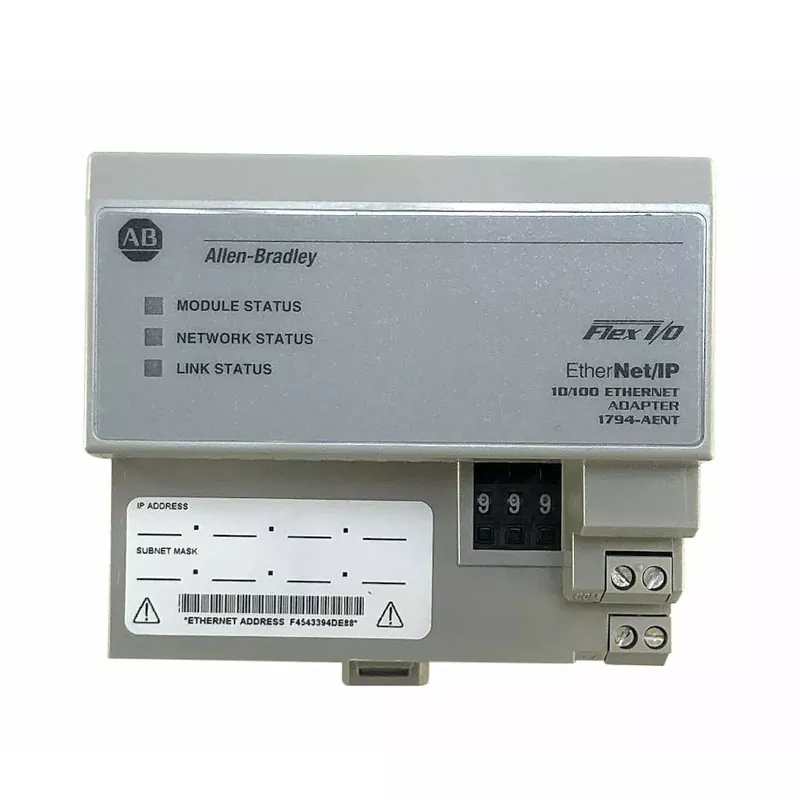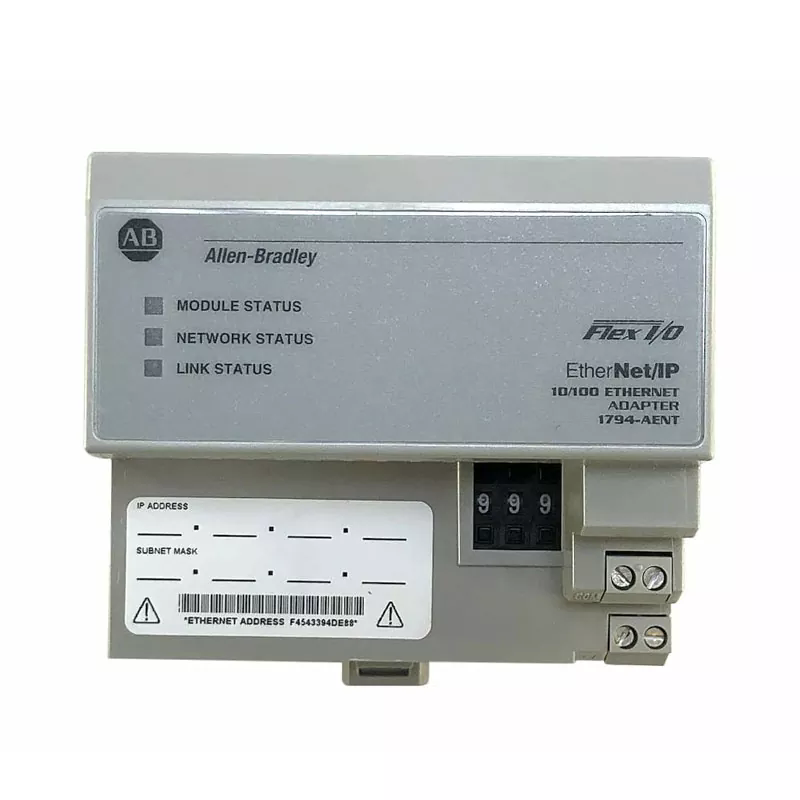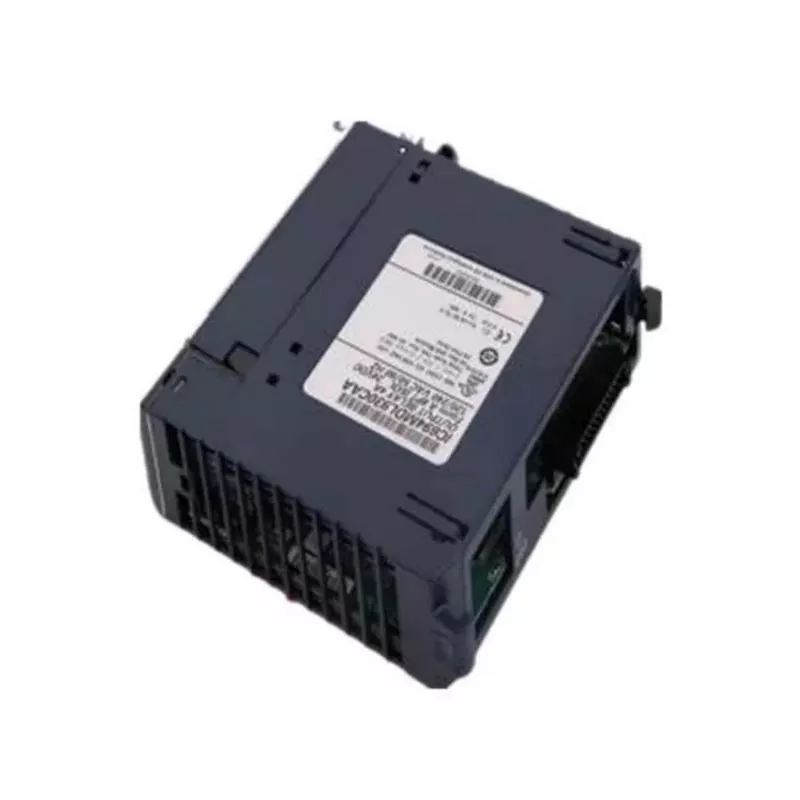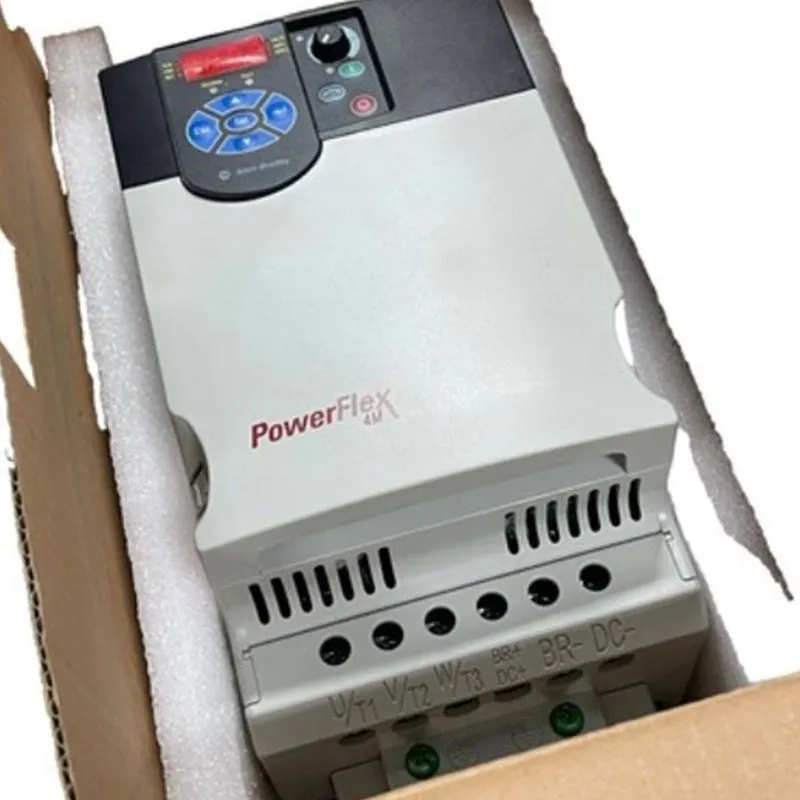
A production line stops. The maintenance technician traces the fault to the Allen-Bradley PLC. The CPU has failed, or a critical I/O module is unresponsive. The instinct is to order a replacement immediately and swap it in. But in the Allen-Bradley ecosystem, a replacement that looks identical on the outside can fail to communicate with the existing system because of a firmware revision mismatch, a missing CF card image, or an electronic keying setting that was never checked. The result is a second downtime event, often longer than the first, while the team scrambles to understand why the new module will not talk to the chassis. For procurement managers and maintenance leads, the checks performed before the replacement is ordered determine whether the swap is a two-hour job or a two-day crisis.
This guide is written for buyers who are sourcing Allen-Bradley PLC hardware for maintenance and replacement. We will walk through the checks that must be completed before the order is placed: identifying the exact part number, recording the firmware revision, extracting the program and CF card image, verifying electronic keying settings, and confirming chassis and power compatibility. We will also provide detailed product parameters from our factory at Yueyang Tongtu E-commerce Co., Ltd. Whether you are replacing a failed CPU, a communication module, or an I/O card, this guide will help you avoid the most common causes of failed replacements.
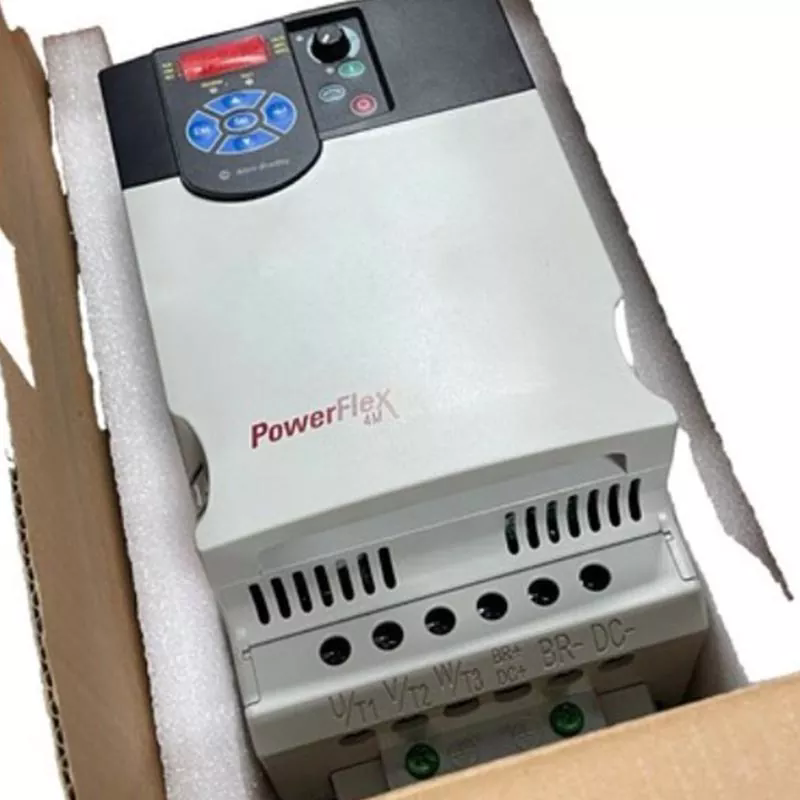
The part number is the starting point, not the answer. An Allen-Bradley PLC module with the same catalog number can have different firmware revisions, different hardware series, and different compatibility behavior depending on the chassis and the project configuration. A 1756-IB16D digital input module with revision 3.1 in the project may reject communication with a physical module at revision 3.2 if the electronic keying is set to "Exact Match". The part number matches, but the system refuses to establish I/O communication. This is why the checks before ordering must go beyond the catalog number and capture the full identity of the existing module.
The table below summarizes the identity attributes that must be recorded before ordering a replacement Allen-Bradley PLC module.
| Attribute | Where to Find It | Why It Matters |
| Catalog Number | Module label, Studio 5000 project | Identifies the base product |
| Firmware Revision | Studio 5000 Controller Properties, module Properties | Determines compatibility with the project |
| Hardware Series | Module label | May affect chassis compatibility |
| Electronic Keying Setting | Studio 5000 module Properties | Exact Match vs. Compatible Match changes acceptance behavior |
| Slot Position | Chassis drawing | Affects backplane communication and addressing |
| Power Requirements | Module datasheet, chassis power budget | Prevents overloading the chassis power supply |
At Yueyang Tongtu E-commerce Co., Ltd., our factory supplies Allen-Bradley PLC hardware and supports customers with model identification and compatibility checking based on part numbers, photos, and system requirements. We understand that a replacement is not just a part number match; it is a system compatibility match. Our goal is to help our customers confirm that the replacement will communicate with the existing chassis before the order is placed.
The program and the CF card image are the most valuable assets in the replacement process. If the CPU has failed and the program cannot be uploaded, the CF card may be the only remaining copy of the running logic. A CF card with a stale, missing, or unrelated image is the most common reason a restore attempt produces an empty project. Before the failed module is removed, the maintenance team must verify that a current program backup exists, either on a network share, on the engineering laptop, or on the CF card. If the CF card is the primary backup, the "Store" function in Studio 5000 must be used to write the current image to the card, and the "Load Image On Powerup" setting must be confirmed if the new controller is expected to boot from the card.
The table below summarizes the backup and CF card checks that should be completed before removal.
| Check | Action | Consequence if Missed |
| Program Upload | Upload the running program from the controller to a .ACD file | Loss of the exact running logic, including AOIs and tags |
| CF Card Store | Use Controller Properties > Nonvolatile Memory > Store | Stale or empty CF image; failed restore |
| Load Image on Powerup | Confirm the setting is enabled if boot from card is required | New controller boots empty |
| CF Card Data Preservation | Copy logging or recipe files off the card before storing | Overwrite of valuable data during Store |
At our factory, we advise our customers to treat the CF card as a backup medium that must be verified, not assumed. We supply replacement Allen-Bradley PLC hardware and can assist with firmware and revision matching once the program and CF card status are confirmed. Our goal is to ensure that the replacement module can be loaded with the correct program and return the line to production.
Firmware revision matching is the check that most often separates a smooth replacement from a frustrating one. In a Logix 5000 system, the project file is written for a specific controller firmware revision. If the replacement CPU has a different firmware revision, the project may not open, or the I/O modules may reject communication. The 1756-L63, for example, requires the replacement controller's firmware to match the revision recorded in the project, or the project must be converted. For a critical line, the safest approach is to record the exact firmware revision before removal and to specify that revision when ordering the replacement. If the exact revision is not available, the project must be converted in Studio 5000 and the implications for instructions, Add-On Instructions, and tag structures must be reviewed.
The table below summarizes the firmware checks and their implications.
| Check | Action | Risk if Mismatched |
| Controller Firmware Revision | Record from Controller Properties > General | Project may not download or run |
| I/O Module Firmware | Record from module Properties | I/O communication may be blocked |
| Project Conversion | Convert if exact revision is unavailable | Instruction behavior changes, AOI issues |
| ControlFLASH Availability | Confirm the firmware package is available | Cannot flash the replacement to match |
At Yueyang Tongtu E-commerce Co., Ltd., we support our customers with compatibility confirmation based on the existing part number and system configuration. We understand that the firmware revision is not a minor detail; it is the parameter that determines whether the replacement will communicate with the project. Our goal is to help our customers specify the correct revision before the order is placed.
Electronic keying is the mechanism that determines whether a physical module is allowed to communicate with the controller. In Studio 5000, each module has an electronic keying setting: Exact Match, Compatible Match, or Disabled. Exact Match requires the vendor, product type, catalog number, major revision, and minor revision to match precisely. Compatible Match allows a module with the same catalog number and the same or higher major revision, and a minor revision at or above the configured value, to communicate. If the project is set to Exact Match and the replacement module has a different minor revision, the I/O communication will be blocked. Before ordering, the maintenance team must check the electronic keying setting for the module being replaced and confirm that the replacement will satisfy that setting.
The table below summarizes the electronic keying modes and their implications for replacement.
| Keying Mode | Requirement | Replacement Implication |
| Exact Match | All attributes, including minor revision, must match | Replacement must have identical revision |
| Compatible Match | Same catalog number, major revision same or higher | Replacement may have a higher minor revision |
| Disabled | No keying check | Not recommended; may cause unpredictable results |
At our factory, we advise our customers to review the electronic keying setting as part of the replacement checklist. We supply Allen-Bradley PLC modules and can help confirm the catalog number and revision compatibility based on the project requirements. Our goal is to ensure that the replacement module is accepted by the controller without unnecessary configuration changes.
The chassis and power checks are the physical checks that are often overlooked when the focus is on the module itself. The replacement module must fit the available slot, and it must not exceed the chassis power budget. In a ControlLogix chassis, the power supply has a limited capacity, and adding a module with higher power draw can overload it. The slot position also matters because the backplane communication and addressing depend on it. If the failed module is in a remote chassis, the communication path and the adapter module must be considered. The table below summarizes the chassis and power checks.
| Check | Action | Consequence if Missed |
| Slot Availability | Confirm the replacement fits the same slot | Physical installation failure |
| Power Budget | Compare module power draw with chassis supply capacity | Power supply overload, intermittent faults |
| Backplane Compatibility | Verify the module is supported by the chassis | Communication failure |
| Remote Chassis Adapter | Confirm the adapter supports the replacement module | I/O not recognized |
At Yueyang Tongtu, we help our customers confirm chassis and power compatibility when sourcing Allen-Bradley PLC hardware. We understand that the physical installation is as important as the electronic configuration. Our goal is to provide a replacement that fits the chassis and operates within the power budget.
Evaluating a supplier of Allen-Bradley PLC hardware for maintenance replacement requires a focus on genuine product sourcing, compatibility support, inventory availability, and technical knowledge. The supplier must be able to confirm that the product is genuine and that the revision matches the requirement. They must be able to check compatibility based on the part number and the system configuration. They must have the module in stock or be able to source it quickly. And they must have the technical knowledge to assist with the checks described in this guide. The table below summarizes the evaluation criteria.
| Evaluation Criterion | What to Look For | Why It Matters |
| Genuine Product | Original Allen-Bradley product, traceable | Ensures reliability and compatibility |
| Compatibility Support | Part number and revision verification | Prevents failed replacements |
| Inventory Availability | Stock of common modules, fast shipping | Reduces downtime |
| Technical Knowledge | Firmware and electronic keying expertise | Helps avoid configuration issues |
| Experience | References from maintenance teams | Demonstrates reliability |
At our factory, we supply genuine Allen-Bradley PLC products and provide model and compatibility support based on part numbers, photos, or system requirements. We have over 20 years of experience in automation project support and can help with replacement sourcing. We invite you to evaluate us against these criteria and to consider us as your partner for Allen-Bradley PLC hardware.
The following table provides the key product parameters for the Allen-Bradley PLC hardware we supply. These products are suitable for maintenance replacement and system expansion across a range of ControlLogix and CompactLogix applications. Our factory can also source discontinued and hard-to-find models based on availability.
| Parameter | Specification Range | Notes |
| Product Families | ControlLogix 1756, CompactLogix 1769/5069, MicroLogix 1761/1762, FLEX I/O 1794 | Selected for system compatibility |
| Module Types | CPU, I/O, communication, power supply | Wide range for replacement |
| Firmware Revision | Matched to project requirement | Confirmed before shipment |
| Product Condition | New, surplus, discontinued | Confirmed before order |
| Compatibility Check | Based on part number, photo, or system data | Provided before quotation |
| MOQ | 1 piece | Negotiable for large orders |
| Lead Time | 1 - 4 weeks | Depends on availability |
At our factory, we supply our Allen-Bradley PLC hardware to meet these specifications and more. We confirm the product model, inventory status, and product condition before the order is placed. Our quality control process includes verification of product authenticity and inspection before shipment. Our goal is to provide our customers with the right replacement module for their maintenance application.
Question 1: What is the first thing to check before replacing an Allen-Bradley PLC module?
Answer: The first thing to check is the exact firmware revision of the existing module, not just the catalog number. Record the revision from Studio 5000 module Properties. If the project uses Exact Match electronic keying, the replacement must have the identical revision. If the revision is not available, the project may need conversion, which should be planned before the order is placed.
Question 2: Can I use a higher firmware revision as a replacement?
Answer: It depends on the electronic keying setting. With Compatible Match, a replacement with the same catalog number and the same or higher major revision, and a minor revision at or above the configured value, may be accepted. With Exact Match, the revision must be identical. Check the keying setting in the project before ordering, and confirm the replacement's revision against that setting.
Question 3: What if the failed CPU cannot be uploaded and the CF card is the only backup?
Answer: If the CPU cannot be uploaded, the CF card may be the only copy of the program. Before removing the failed module, try to read the CF card in a separate reader and copy any files. If the card contains a stored image, confirm that the new controller will load the image on powerup. A CF card with a stale or missing image is a common cause of a failed restore.
Question 4: Do I need to check the chassis power budget when replacing a module?
Answer: Yes. The replacement module must not exceed the chassis power supply capacity. Compare the power draw of the replacement module with the available capacity in the chassis. If the replacement has a higher draw, the power supply may be overloaded, causing intermittent faults or shutdowns. Confirm the power budget before installation.
Question 5: How can I confirm that a supplier's Allen-Bradley PLC module is compatible with my system?
Answer: Provide the supplier with the existing part number, the firmware revision, the chassis model, and the electronic keying setting. A supplier with compatibility support can confirm whether the replacement will be accepted by the controller. At Yueyang Tongtu E-commerce Co., Ltd., we check product information and compatibility requirements based on part numbers, photos, or system data before quotation.
Replacing Allen-Bradley PLC hardware is not a simple parts swap. It requires a set of checks that go beyond the catalog number: the firmware revision, the program and CF card image, the electronic keying setting, the chassis and power compatibility, and the supplier's ability to confirm that the replacement will communicate with the existing system. Performing these checks before the order is placed is the difference between a quick return to production and a prolonged troubleshooting exercise. At Yueyang Tongtu E-commerce Co., Ltd., our factory supplies genuine Allen-Bradley PLC hardware and provides the compatibility support that maintenance teams need to make the right replacement decision.
Whether you are replacing a failed CPU, an I/O module, or a communication card, we invite you to contact us to discuss your requirements. We can help confirm the part number, revision, and compatibility before you order. Our commitment to genuine products and technical support has made us a trusted partner for maintenance and automation teams around the world.
Contact Yueyang Tongtu E-commerce Co., Ltd. today to discuss your Allen-Bradley PLC replacement requirements and discover how our compatibility support can help you avoid a failed swap.